Stellar Riders explained in depth
Delivering with your own team: who takes each order, where they are, how much they get paid and what happens when they lose signal.
When a restaurant sets up its own delivery, the problem stops being the ordering website and becomes the logistics: who goes out with which order, whether it arrived, how much to pay them on Friday and how to back it up. That's what Stellar Riders solves.
What you'll see
1. The rider's screen
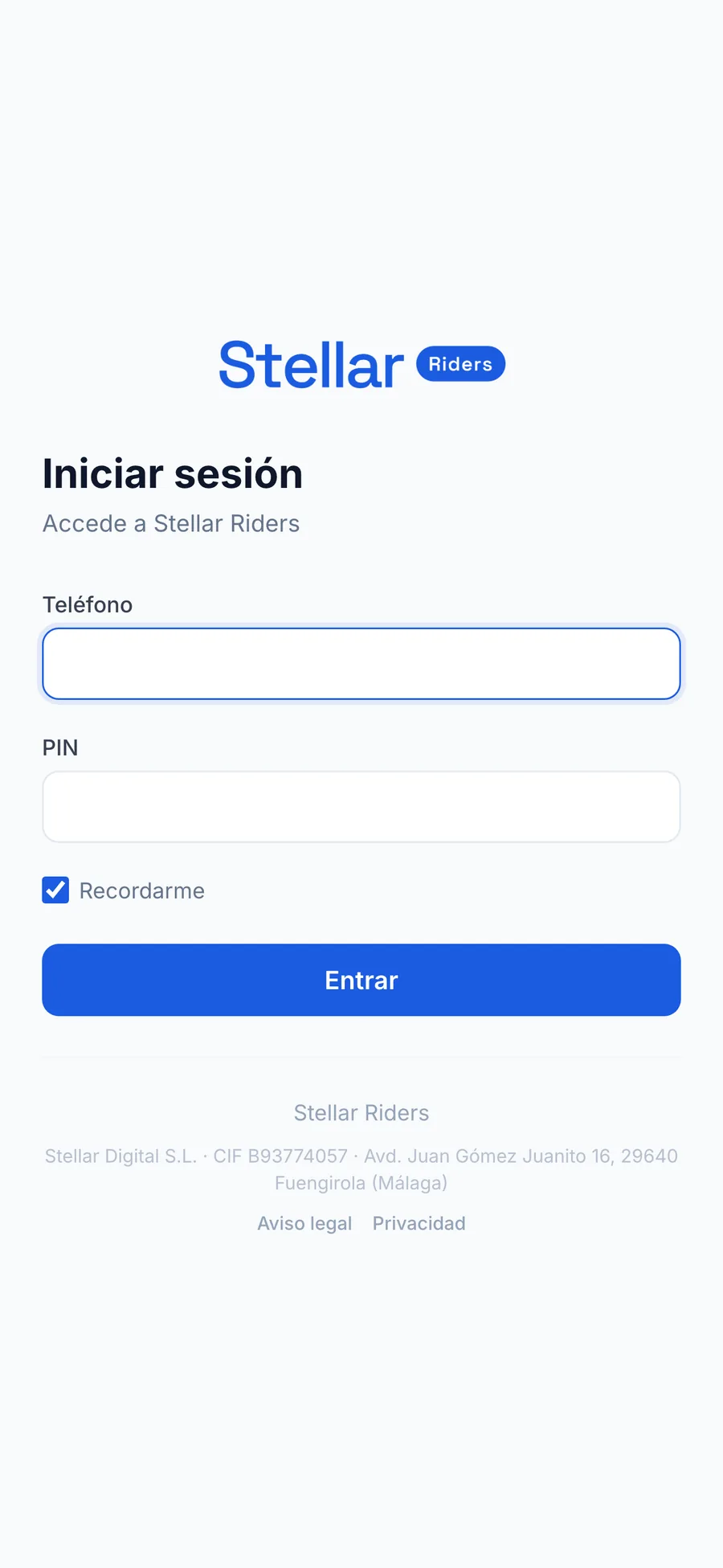
The rider logs in with their phone number and a PIN. No email, no passwords to write down: these are people who join and leave, and signing them up has to take a minute.
Inside there's an online / offline switch — they only receive orders while online — their orders with the Accept → Picked up → Delivered buttons, a link to open the address in Google Maps, and their earnings for today and for the week, calculated with the same rates the restaurant's dashboard uses. A rider who can see what they're going to earn saves you half of Friday's arguments.
2. Dispatch: who takes what
The shift manager has a screen with new orders, orders in progress and scheduled ones, and assigns each one to a rider. They can take an order themselves if they head out to deliver, reassign, and cancel giving the reason.
Assignment has three modes, configurable per location:
- Manual: a person decides.
- Rotation: to whoever has the fewest orders today.
- By GPS: to the online rider closest to the location.
When assigning, the system warns you if a rider isn't sending a GPS signal, which usually means they closed the app or ran out of battery.
3. Where each rider is
There's a live map with the position of every online rider and how long ago their last signal came in, which is the number that actually matters: a dot on the map from twenty minutes ago is useless.
When a rider arrives at the location, the system detects it on its own once they're within thirty metres, without them having to tap anything.
4. Distance tiers
It's not a flat price per order or a price per kilometre: you define tiers. For example, one rate up to 2 km, another from 2 to 4 km, and another beyond that. Each order falls into its tier.
The distance is by road, not as the crow flies. It's a difference you notice in cities with rivers, motorways or pedestrian zones, where two points “1 km apart” can be 4 km of actual travel.
5. The weekly payout
At the end of the week the payout is generated: each rider with their deliveries and their amount according to the tiers. You mark it as paid, one rider at a time or the whole week at once, and it's recorded.
The payout comes out calculated and backed up rider by rider, ready to pay through your usual channel and to file away.
6. Cancellations: when the rider still gets paid
Cancelling requires picking a reason from a fixed list and confirming. The list matters because it decides the money: if the cancellation is the customer's fault (not home, not answering, fake address) and the rider had already picked up the order, that trip gets paid. If it's cancelled before pickup, it doesn't.
The double confirmation was added after an order got cancelled by an accidental tap.
7. Cash orders
A rider can't mark as picked up a cash order that isn't recorded as collected at the location. It sounds like a minor detail, but it's the difference between knowing who has the money and not knowing.
8. No signal mid-delivery
Industrial estates, basements and small towns exist. If the rider taps “Picked up” or “Delivered” with no signal, the action is saved on the phone and sent by itself once the signal comes back, without duplicating the order. The screens work offline too.
9. How it connects to the POS
Nothing gets typed twice: when a home-delivery order is created in Stellar POS, it shows up in Riders ready to assign. And as it changes status — on its way, delivered, cancelled — the POS finds out automatically, with retries if the connection fails.
Orders from your online store (Stellar Store) follow the same path: they come into the POS and are dispatched to delivery from there.
Setting up your own delivery?
Riders is set up with you: your rate tiers, your locations and your way of assigning. Tell us how you deliver and we'll tell you if it's a fit.
See Stellar Riders →